
Consolidate employee files
Keep employment, identity, bank and other employee documents organised by type and kind. Authorised HR users can search and review the records without maintaining separate folders for every workflow.
Built for Indian teams
Store and review documents alongside the employee record they support. EmplifyAI gives HR and employees appropriate views of their files, with document checks and correction workflows when information needs attention.
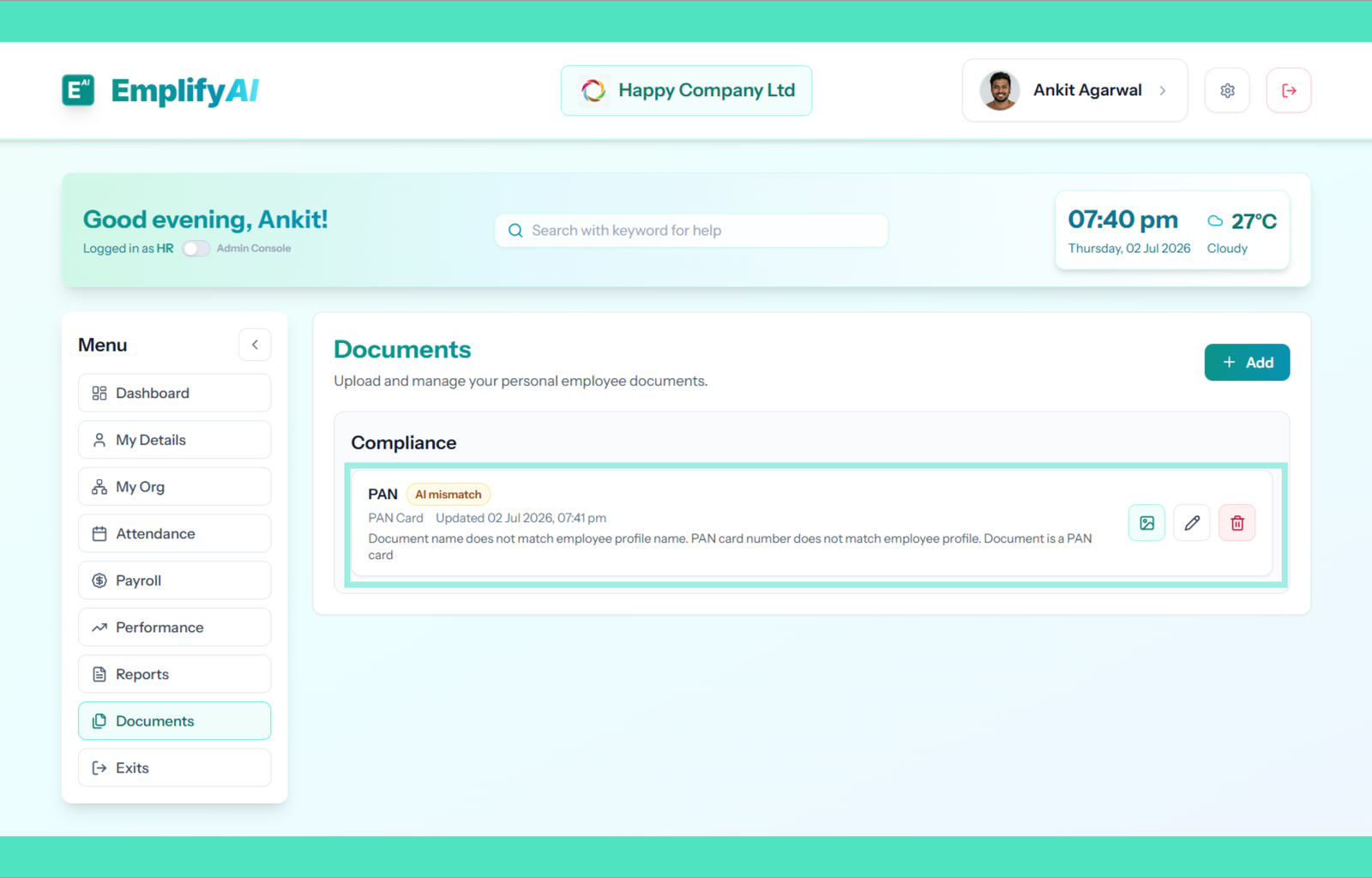
Keep employment, identity, bank and other employee documents organised by type and kind. Authorised HR users can search and review the records without maintaining separate folders for every workflow.
Employees can use their own documents workspace to view and upload permitted files. Role-based permissions separate employee self-service from administrative document review.
Where AI document checks are enabled, validation statuses can flag unreadable files, wrong document types or details that may not match the employee record. Staff can review and request corrections rather than treating an automated flag as a final decision.
Announcements can attach a policy or internal memo and, where selected, retain a copy in employee documents. This helps employees return to material shared with them.
Yes, within the permitted self-service document workflow and the organisation’s access controls.
Availability depends on the organisation’s configuration. A flagged result requires appropriate human review.
Share your requirements with the team. We review early-access requests and send a secure sign-up link; you do not need to enter payment-card details to request access.
Request early access